Point of sale
At the counter, seconds matter.
We build checkout software that scans, weighs and prints a receipt. Your scale, your printer and your register all run from the same program, so the software never holds the queue up.
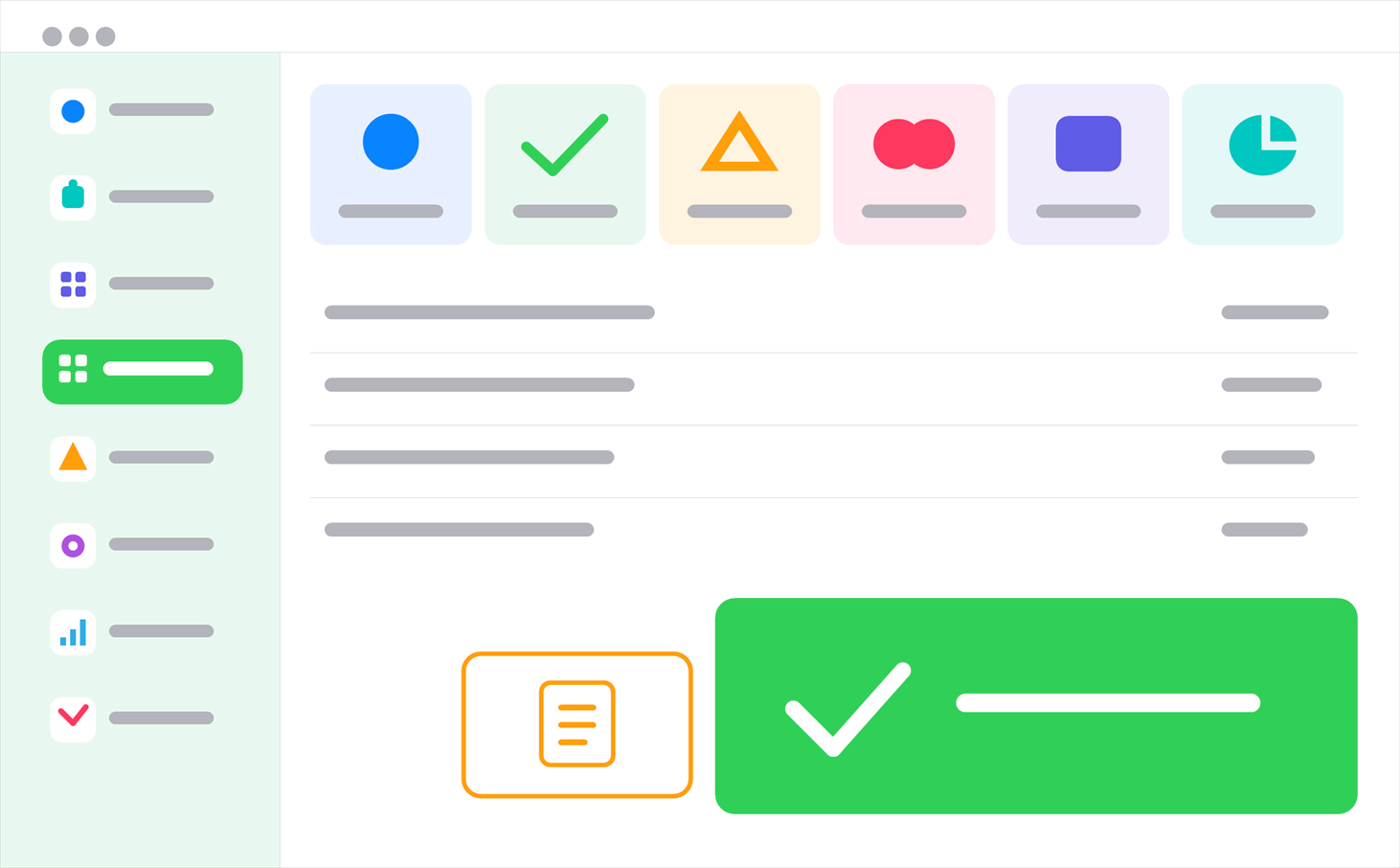
Why does a till screen need its own design?
Because work at a till happens with a finger and a barcode, not a mouse and a keyboard. Keys are big, the common action is one tap away, and refunds sit somewhere nobody hits by accident.
Put a desktop screen on a till and the cashier loses a second on every sale. By closing time that second is a queue.
What hardware does it work with?
We don’t ask you to replace the hardware you have. We connect to it.
- Barcode and QR scanners
- Electronic scales that weigh and price in one move
- Receipt and label printers
- Cash drawers and customer displays
- Handheld terminals for shelf counts and price checks
- Turkey’s new generation registers and card terminals
Does the till stop if the internet drops?
It doesn’t. The till is built to stand on its own. Sales record locally and travel to head office once the connection is back.
This is the most irritating thing about cloud only checkout software. A sale stopping because the line went down is not acceptable behaviour.
Do scales and printers really talk to the software?
They do, and it saves more time at the counter than anything else. The scale weighs, the program prices it, and the label or receipt comes straight out. Nobody reads a number off a display and types it in.
The program knows whether an item is weighed or counted. If the barcode is a weight barcode, it reads the weight out of the code and works the price out itself, so the cashier calculates nothing.
How do I run several branches?
Each branch works on its own till and head office sees all of them on one screen. Prices and promotions come down from the centre, sales and stock go up to it.
When one branch runs out of something another one has, you can see it, and the transfer runs through the same system.
Are the till and the stock in the same place?
They are. Anything that goes through the till comes out of stock, so there’s no second system to update in the evening.
The stock side is covered in more detail here: inventory and ERP.
Can I set up promotions and loyalty cards?
You can. Second item discounts, bundle prices, customer specific pricing and points are all defined at the till.
To keep the cashier out of it, the discount applies itself on screen and prints plainly on the receipt.
Questions we get asked
Is grocery software different from clothing retail?
It is. A grocery cares about weighed items, expiry dates and a fast queue. A clothing shop cares about size and colour variants, returns and exchanges. We build the screen for whichever one you are.
Can we move data from our current till software?
Usually yes. If product lists, barcodes, prices and customer accounts can be exported, we bring them across.
How many tills can I connect?
We don’t license per till. Two tills and ten tills connect to the same system.
Who runs the end of day report?
The cashier closes with one key and the report reaches head office. If the cash count and the system disagree, the difference shows on screen.
Other solutions
Ready when you are.
Tell us what you want to do and we’ll work out how. The first conversation is free, and it commits you to nothing.