Mobile apps
Your business, in your pocket.
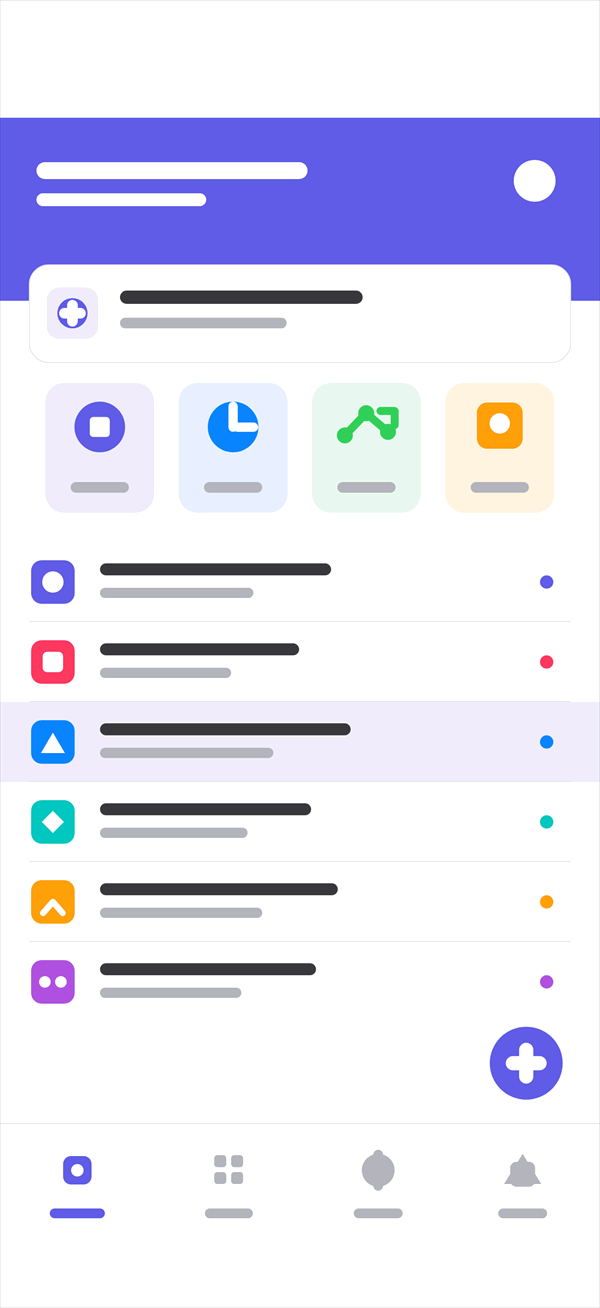
We build one app that runs on iPhone and Android, and it keeps working where there is no signal. Your field team stops carrying paper.
Who are these apps for?
There are two kinds, and they worry about different things. An app for your own crew lives or dies on speed and toughness. An app you hand to customers lives on trust and simplicity.
- Field teams for delivery, service, installation, counts and inspections
- Warehouse handhelds for goods in, put away and stock counts
- Sales teams for mobile orders, visit logs and collections
- Customer apps for ordering, booking, tracking and documents
- Manager apps for approvals and a quick look at the numbers
Does it work with no signal?
It does. The app holds its own data, so work carries on without a connection, and everything queued up syncs by itself once the signal is back.
In a warehouse, a basement, a van or a building site, that isn’t a nice extra. It decides whether anyone uses the app at all.
Are you writing two separate apps?
No. One codebase ships to both platforms. That means the same work isn’t done twice, the two apps don’t drift apart, and a change lands on both at once.
When something needs the device itself, a barcode scanner or a printer, we write that piece in the platform’s own language.
Whose App Store and Google Play accounts?
Yours. We don’t open developer accounts in our name. The app is published under your company.
We handle the uploads and the store review, and you stay the owner.
Can it read data from my current system?
It can. The app connects to the program you already run instead of starting a second island of data.
Whichever system owns a record stays the owner. The app shows it and updates it rather than keeping a copy that slowly disagrees with the original.
Is the data on the phone safe?
Data held inside the app is encrypted and tied to the phone’s own lock. If a device goes missing, we cut that user’s access remotely and the data goes with it.
The app also downloads only the records that user needs to see. Your whole customer list isn’t sitting on a phone in the field.
Can I send notifications?
You can. A push lands when an order is approved, when a service call is close, or when a job is assigned to someone.
You decide who gets what and when. Send everything to everyone and people stop reading notifications within a week.
Questions we get asked
Which phones does it run on?
Current iPhones and Android phones. If your field crew still uses older hardware, say so up front and we’ll make sure the app opens there too.
Do I have to publish it in the app stores?
No. An app only your own staff will use can be distributed inside the company without going near a store.
Do I get the code?
Yes, the code and the data are yours. The store accounts are in your name too, so nothing is missing if you ever hand it to someone else.
Can we scan barcodes with the phone camera?
You can. For most jobs the phone camera reads barcodes and QR codes well enough that you don’t need to buy handheld scanners.
Other solutions
Ready when you are.
Tell us what you want to do and we’ll work out how. The first conversation is free, and it commits you to nothing.